
What's new in PopMaker Pro
We ship improvements almost every day. Here's everything, newest first.
45 seconds · October 22 updates · vertical version for phones
New features
Videos
Every update, star by star
Each star is a day we shipped something. Follow the line back to the beginning, or switch on night mode to see the sky.
-
November 9, 2026 Latest
- NewYour account locks itself if someone guesses your password
After 5 wrong passwords, signing in with the password is paused and you get an email right away with who tried and a 6-digit code. Type the code to get back in, then choose a new password.
- New
-
November 5, 2026
- NewHelp & support, right in Settings
Message us in the app, open a support ticket, and see every ticket you opened with its status. On the support page, "Check a ticket" shows a ticket's status from its number and your email.
- New
-
November 4, 2026
- NewGuided tours that show you how
New features now come with a short tour: tap "Show me how" and we point at the buttons, step by step. New accounts get a one-minute tour of the dashboard the first time they sign in, and every tour can be watched again from the bell, under Guided tours.
- ImprovedYour chat widget on phones opens as a floating card
On a phone, your website's chat now opens as a rounded card that floats above the page instead of covering the whole screen. Visitors still see your website around it, the chat button stays put so one tap closes it, and the keyboard no longer pops up until they tap the message box. Nothing to change: it works on your website already.
- New
-
November 1, 2026
- NewA support page with ticket numbers
Need help? Open a ticket on our support page and you get a ticket number (like PMP-1001) by email right away. Follow it on the page, add details any time, and our replies come to your inbox, so you always know where your question stands.
- NewSign in without a password
Forgot your password? On the sign-in page, tap "Email me a sign-in link" and we send you a link that signs you straight in. It works once and only for an hour, so it stays safe.
- NewSet a new password in Settings
Go to Settings > Profile & Account and use "Set a new password" whenever you want to change it. Handy after signing in with an email link.
- New7 days of Pro for finishing the starter tasks
The short task list on your dashboard ticks itself off as you set up: add your website, make a popup, put it live and so on. Finish them all and Pro is yours for 7 days: every template, animation, form, funnel and the Social Planner. When the 7 days end we let you know, and you can keep Pro or stay on Free.
- New
-
October 31, 2026
- ImprovedForms got tabs: All forms, Analytics, Submissions and Settings
Forms now has four tabs. All forms lists your forms. Analytics shows how many people saw each form, how many filled it in and how long it took. Submissions has every answer in one list. Settings turns things on for many forms at once.
- NewForm answers can start a conversation
Turn on "Create a conversation for each answer" in Forms > Settings and every new answer also lands in Conversations, in that person's thread. Reply by email or text right there, without copying anything across.
- ImprovedWebsite chats in Conversations
Chats from the chat widget on your website are now in Conversations, next to email, texts, Messenger and Instagram. Pick "Website chat" in the channel list to see only those, and answer every message from one place.
- ImprovedChatbot settings in clear tabs
Your chatbot now opens as its own screen with four tabs: Settings (what it knows and says), Design (colors and look), Email notifications (who hears about new chats) and Install (the code for your website).
- Improved
-
October 29, 2026
- FasterFaster dashboard and smoother screens
The dashboard opens faster after you sign in, because the extras now load in the background. Every tool (Settings, Chatbot, Forms, QR codes, Payments and more) opens as a full screen next to the menu with the same header and a Back to dashboard button, so everything looks and works the same.
- Faster
-
October 23, 2026
- NewGetting-started quests with a reward
A short task list on your dashboard that ticks itself off as you set up. Finish it and claim your reward: 7 days of Pro free on the Free plan, a free month on Pro, and 6 ready-made landing pages in Funnels for White-label agencies.
- ImprovedTry the editor right away
"Try the editor" now opens the popup editor straight away, no account needed. Leaving asks if you want to create your account to keep your popup, or come back next time, and a one-tap survey asks how it went.
- New
-
October 22, 2026
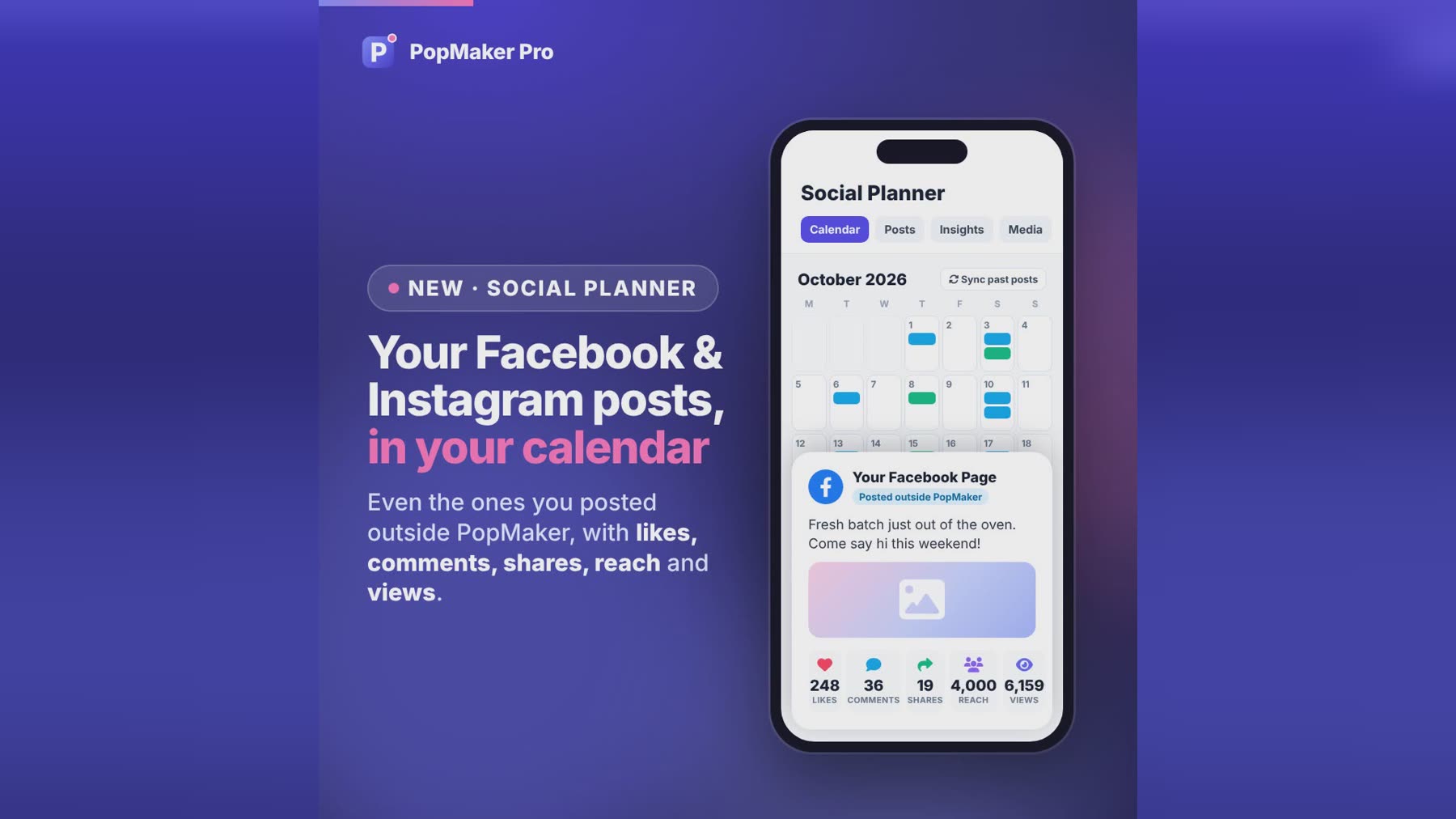
- NewEvery post and how it did, even ones made on Facebook or Instagram Pro
The Social Planner brings in your last 90 days of Facebook Page and Instagram posts, including the ones you posted straight on Facebook or Instagram. They show on the calendar, and a "Posted outside PopMaker" tab lists them with their likes, comments and shares, plus reach and views when Meta shares them. Posts update on their own, or press Sync past posts.
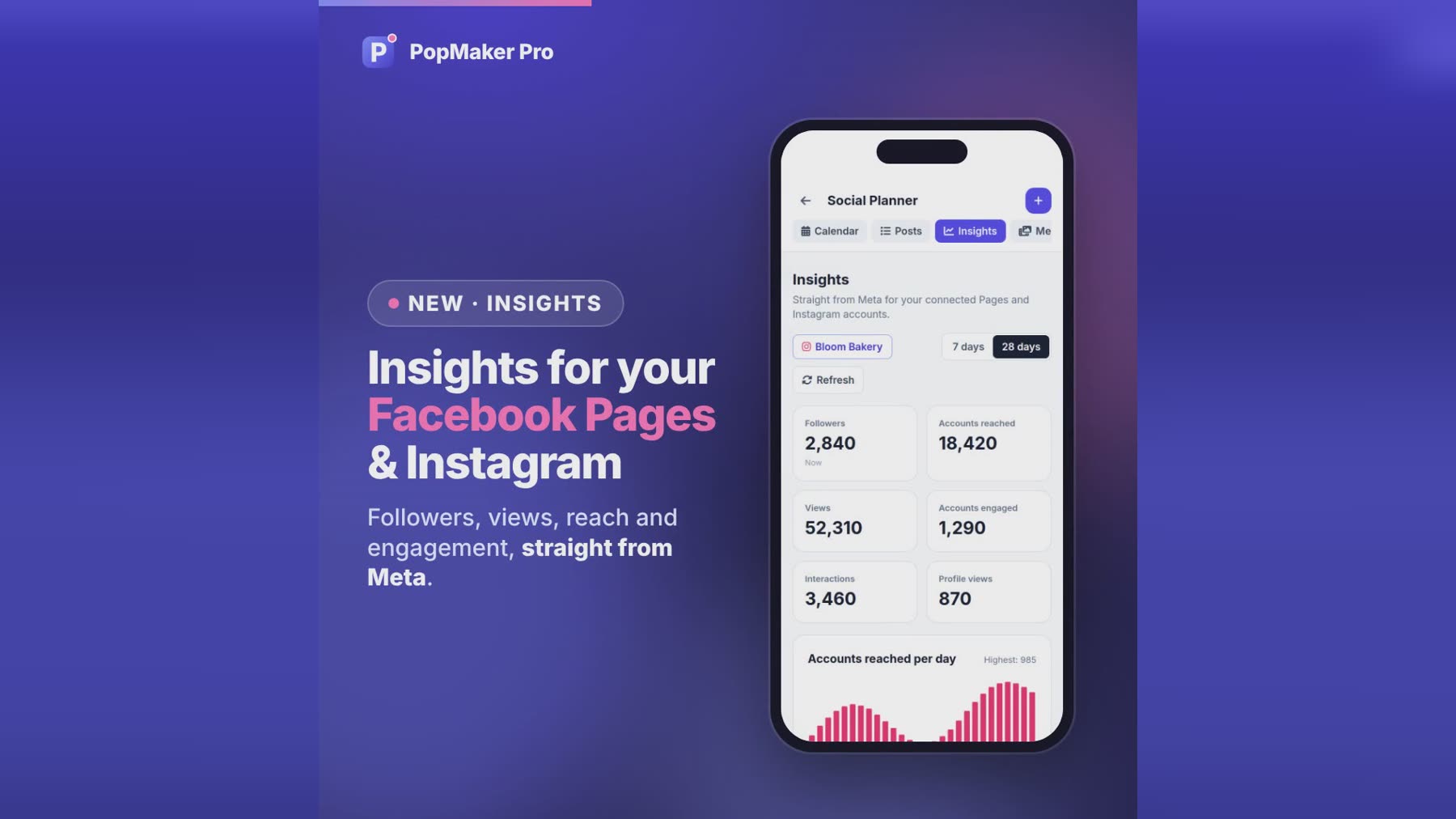
- ImprovedInsights for your Facebook Pages Pro
Followers, views, reach, post engagement and new followers for each Facebook Page, straight from Meta, for the last 7 or 28 days. Every post in the period is listed with its numbers.
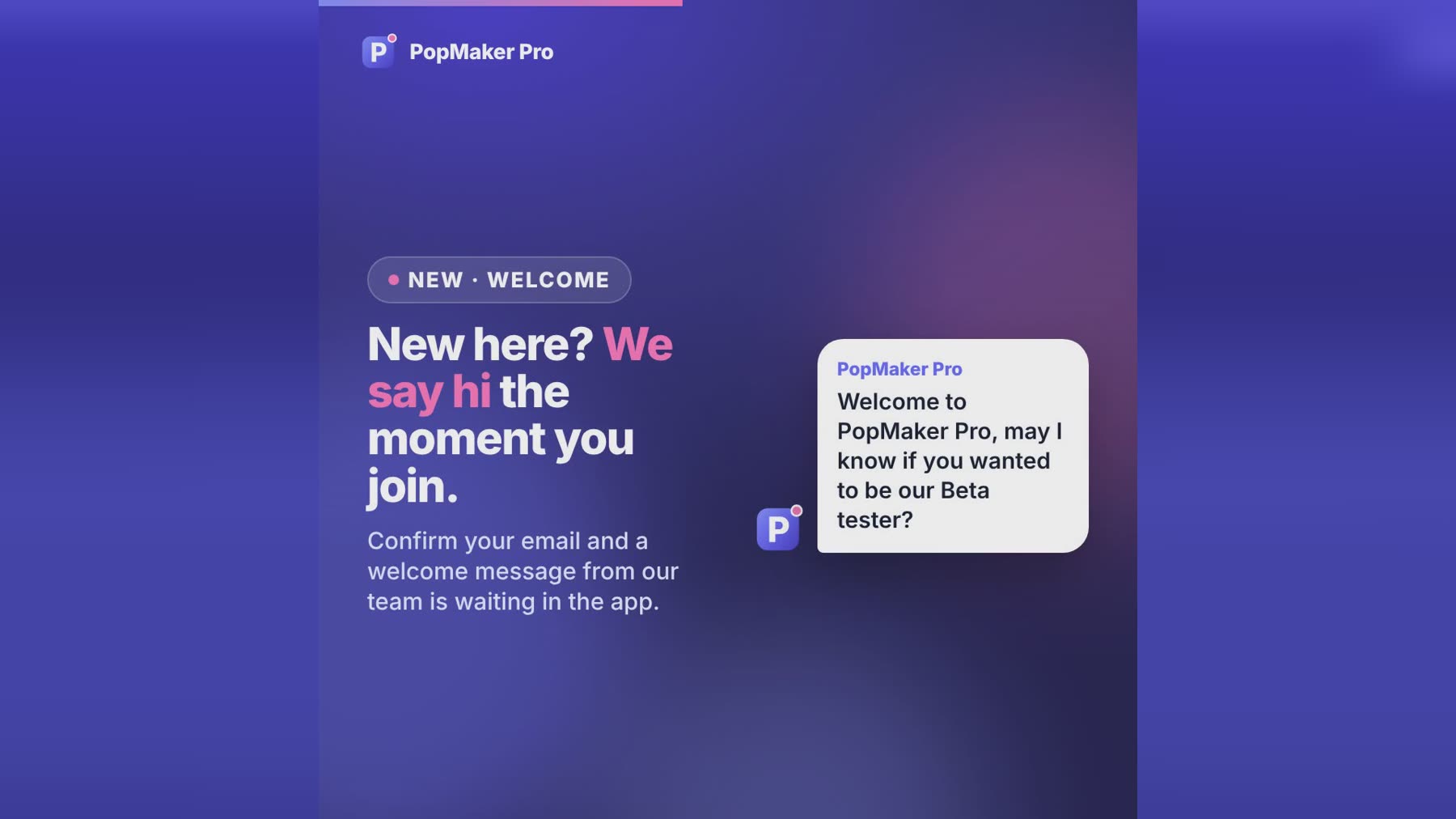
- NewA welcome when you join
Confirm your email and a welcome message from our team is waiting for you in the app. Reply right there and we will help you get started.
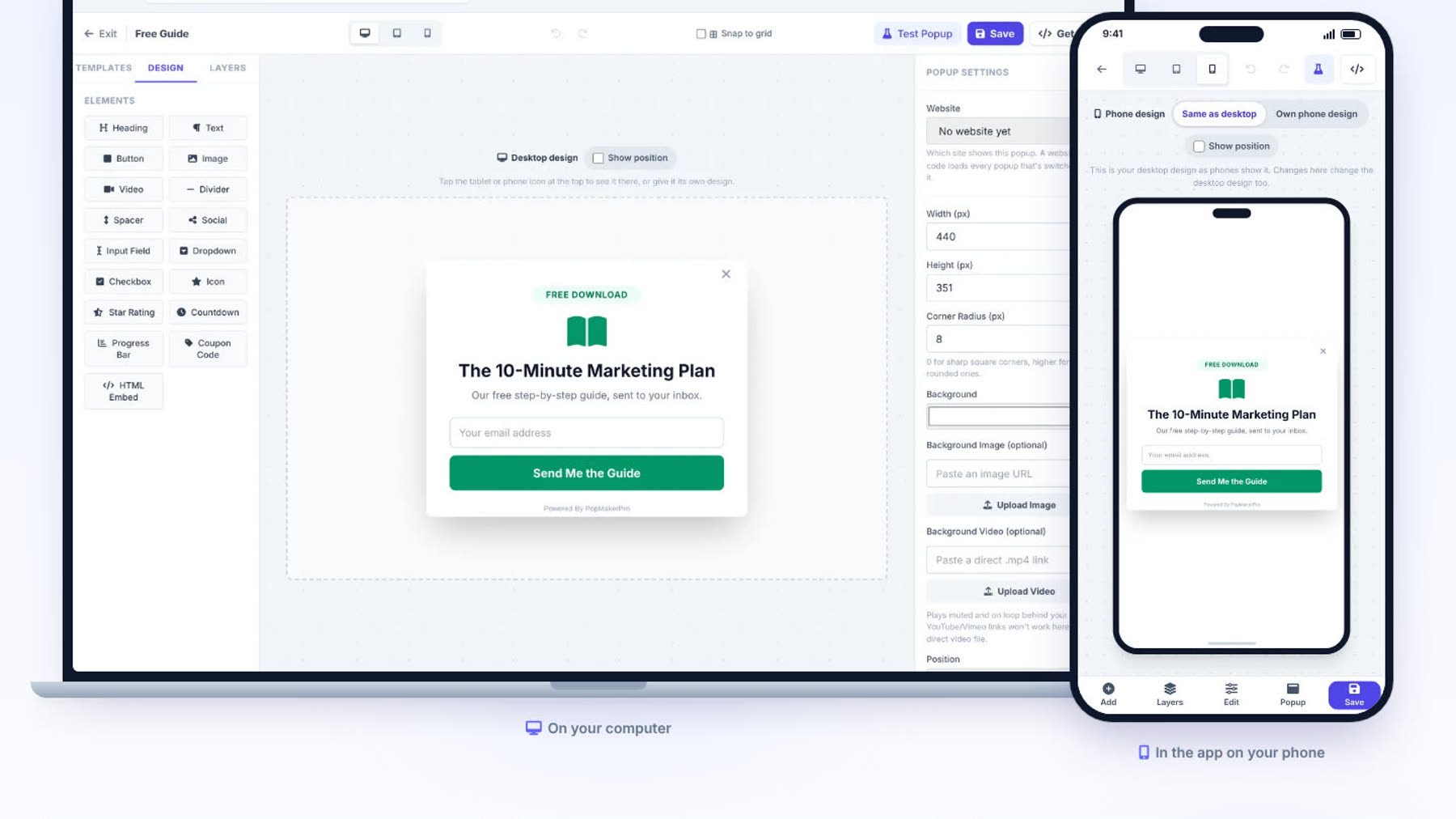
- NewSee PopMaker on a laptop and a phone
The homepage now shows the real popup editor on a laptop and in the phone app, so you know exactly what you get before you sign up.
- ImprovedYour business name on your account, and smoother phones
Your account card and the account switcher show your business name (or your name if you haven't added one). Changing your name in Settings works again, and pages no longer slide sideways on phones.
- New
-
October 18, 2026
- NewSend emails from your own address Pro
In Settings > Email & Text Sending, add your business domain (like yourbusiness.com) and the DNS records we show you. Once the email service verifies them, your campaigns, workflow emails, test emails and Conversations replies go out from your own address, like hello@yourbusiness.com, with the name you choose. Until then, and if the domain ever stops working, emails keep going out from our address under your business name, so nothing stops sending. Gmail, Yahoo and Outlook addresses can't be used, because those providers don't let other services send as them.
- ImprovedA calmer, easier-to-read dashboard
The app is quieter on the eyes: a light sidebar with one highlight for the page you are on, menu groups that fold so only the one you are using stays open, dashboard numbers in one plain color, and small badges only where something needs you (like unread messages or a failed send). Contacts shows just search and sort, with the other filters behind a Filters button. In night mode the stars stay still.
- ImprovedForms with country codes and separate text consent Pro
Two new Form Maker starters, "Contact us (with text consent)" and "Application", look like the forms agencies use: two columns, a phone box with a country flag and code, an envelope in the email box, a $ in the budget box, a centered title with a colored tagline, and Privacy Policy and Terms links. Consent boxes can now be marketing texts, marketing emails, both, or non-marketing texts (updates only), with your business name in bold, and each one gives exactly that permission and nothing more. Never pre-ticked, so they fit US texting rules.
- NewMessenger and Instagram DMs in Conversations Pro
Messages people send to your Facebook Page or Instagram account now land in Conversations, next to email, text and website chat. Reply right there and they get it in Messenger or Instagram. Meta allows replies for 24 hours after the person's last message, so each conversation shows how much time is left, and a reply is only marked sent when Meta accepts it. To turn it on, reconnect Facebook in Social Planner > Accounts and allow messages.
- New
-
October 17, 2026
- ImprovedSee which social accounts are connected Pro
Each network on the Social Planner's Accounts page now says Connected, with the account name, once it's linked. If a connection expires, its card says Needs reconnecting and gives you a Reconnect button.
- NewConversations: one inbox for every contact Pro
Every contact on the left, the whole thread in the middle and their details on the right. Email or text them, add notes only your team sees, insert snippets, star, close or assign conversations. Replies come back into the same thread, website chats are in the same list, and each message shows what the email or text service reported: sent or not sent.
- ImprovedContacts: columns, pages, smart lists and more bulk actions Pro
Choose your columns, page through 25, 50 or 100 at a time, filter by permission, tag, source, date or assignment and save it as a smart list. Make your own lists, update a field for many people at once, assign them to yourself and export just the ones you ticked. Lists can be a campaign audience.
- NewDrag-and-drop email builder Pro
Headings, text, buttons, images, two columns, dividers and links, dragged into place. Start from a template or one you saved, check it on desktop and phone, and send yourself a test. Reports show delivered, opened and clicked as the email service reports them; bounced addresses stop getting emails.
- NewForm Maker Pro
Drag in fields, then share a link or embed the form on any website. Answers are saved, people are added to Contacts with your tags, and a "Form submitted" workflow can start. Built-in spam protection, plus Google Tag Manager, Google Analytics 4 and Meta Pixel. Marketing only goes to people who tick the consent box.
- NewFunnels (first version) Pro
Pages in a row, like an opt-in page and a thank-you page, built with the drag-and-drop editor, with your forms and videos inside. See how many people reach each step. Your own domain, payments, A/B tests and upsells are not available yet.
- ImprovedText Marketing: delivery and opt-outs at a glance Pro
See whether your Twilio number is connected, how many people can be texted and who replied STOP. Texts are marked delivered when Twilio confirms it.
- ImprovedA tidier menu and a Settings page
Marketing holds Campaigns, Email Marketing, Text Marketing, Snippets and the Social Planner; Automations holds Workflows, your Chatbot & Chat Widget and Forms. Settings brings together your profile, integrations, sending, tracking and theme.
- NewSnippets: saved replies Pro
Save replies you use often and drop them into a campaign, a workflow message or a conversation. Inserting never sends anything.
- ImprovedNight mode everywhere
Every screen, window and menu now has a night look, and your choice follows your account to every device.
- Improved
-
October 16, 2026
- NewSocial Planner is here Pro
Plan posts on a month or week calendar, write once with a live preview, add photos or a video from your media library, and schedule them or post now to Facebook Pages, Instagram business accounts and LinkedIn, connected with each network's official sign-in. Drafts work before you connect anything. Each post shows what happened on every account, with a link, likes and comments, and a Retry for anything that failed.
- NewYour business at a glance on the Dashboard Pro
New leads and where they came from, recent leads, unread conversations, emails and texts sent, workflows running and social posts, for today, 7 days, 30 days or all time. Every card opens the page behind it.
- ImprovedAutomations: auto-save switch, pause and a working menu Pro
Turn auto-save on or off in the workflow builder and see when changes are saved. Saving never turns a workflow on: the Active switch does, and switching it off pauses people where they are. Each workflow's ⋮ menu now has Edit, Rename, Duplicate, Activate or Pause, and Delete with a confirmation.
- New
-
October 15, 2026
- NewAutomations: build workflows visually Pro
Build a workflow on a canvas: start it when someone signs up in a popup, a contact is added or gets a tag (or add people by hand), then send emails and texts, wait, split with If / Else, add or remove tags, update a field or send the contact to another app. Test it with one contact, publish it, and see every step in Enrollment history and Execution logs. Three ready-made recipes get you started.
- ImprovedA new menu for everything in one place
The sidebar now lists Dashboard, Contacts, Conversations, Automations, Email & Text Marketing, Social Planner and Integrations, with your websites and popups underneath. Contacts and campaigns open right beside it.
- New
-
October 14, 2026
- NewA full CRM for your contacts Pro
Marketing is now CRM & Marketing. Open anyone to edit their details and company, add tags, custom fields and notes, set their email and text permission, and see every email and text sent to them. Filter by tag or status, and tag, unsubscribe or delete many people at once.
- NewMove over from GoHighLevel Pro
Import a contact export from GoHighLevel or any CSV. You match the columns (name, company, tags, dates and your own fields), see who will be skipped, and re-importing the same file updates people instead of duplicating them. New imports start as "No permission yet" unless you confirm they agreed to hear from you.
- New
-
October 13, 2026
- NewMessage one person, or just the people you pick Pro
In Marketing → Contacts, tap the paper plane next to someone to email or text just them, or tick several people and send to only those. Tags now work for your clients too.
- NewEmail & text marketing Pro
Everyone who signs up in your popups now becomes a contact. Send them an email or a text campaign, or set up a welcome series that runs on its own (a thank-you right away, a tip two days later, an offer after five). Import and export your list, tag contacts, and every email has an unsubscribe link. Texts go out from your own Twilio number.
- ImprovedThe popup stays put while you edit
Changing Position no longer moves the popup around the editor. Turn on "Show position" above the canvas to see the spot, or use Test Popup.
- ImprovedTemplates get their own tab
The editor's left panel is now Templates, Design and Layers.
- New
-
October 10, 2026
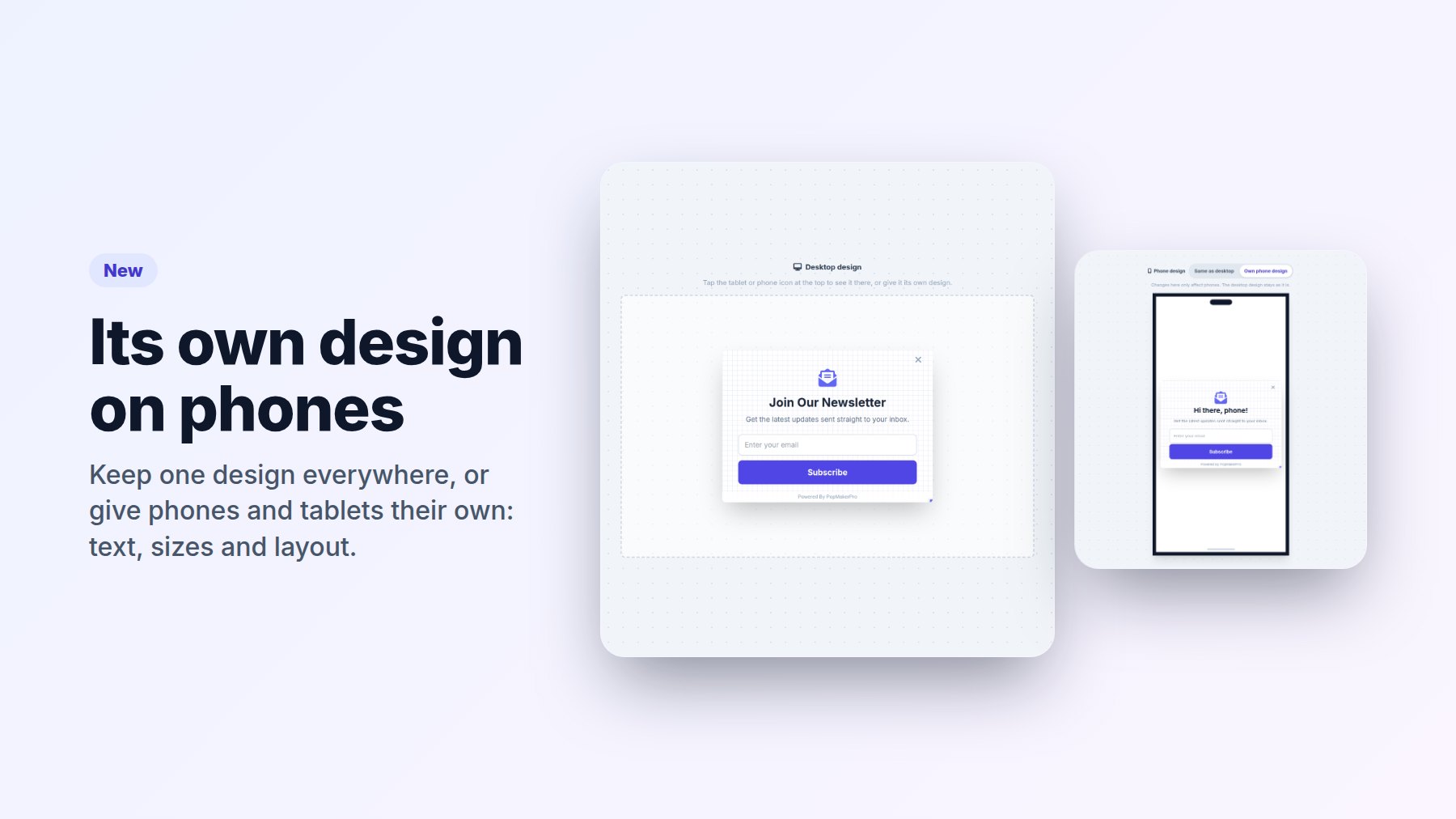
- NewA separate design for phones and tablets
Tap the phone or tablet icon in the editor and choose "Own phone design" to change text, sizes and layout just for that screen. It starts as your desktop design, already fitted. Keep "Same as desktop" and every screen shows the one design.
- ImprovedThe editor shows the real screen
Desktop, tablet and phone now appear at their real proportions, so changing Position moves the popup right there in the editor, exactly as Test Mode and your website show it. On a phone, the editor opens in the Phone view.
- ImprovedA crisper logo in the app
The app icon's dot is no longer cut off at the corner.
- New
-
October 9, 2026
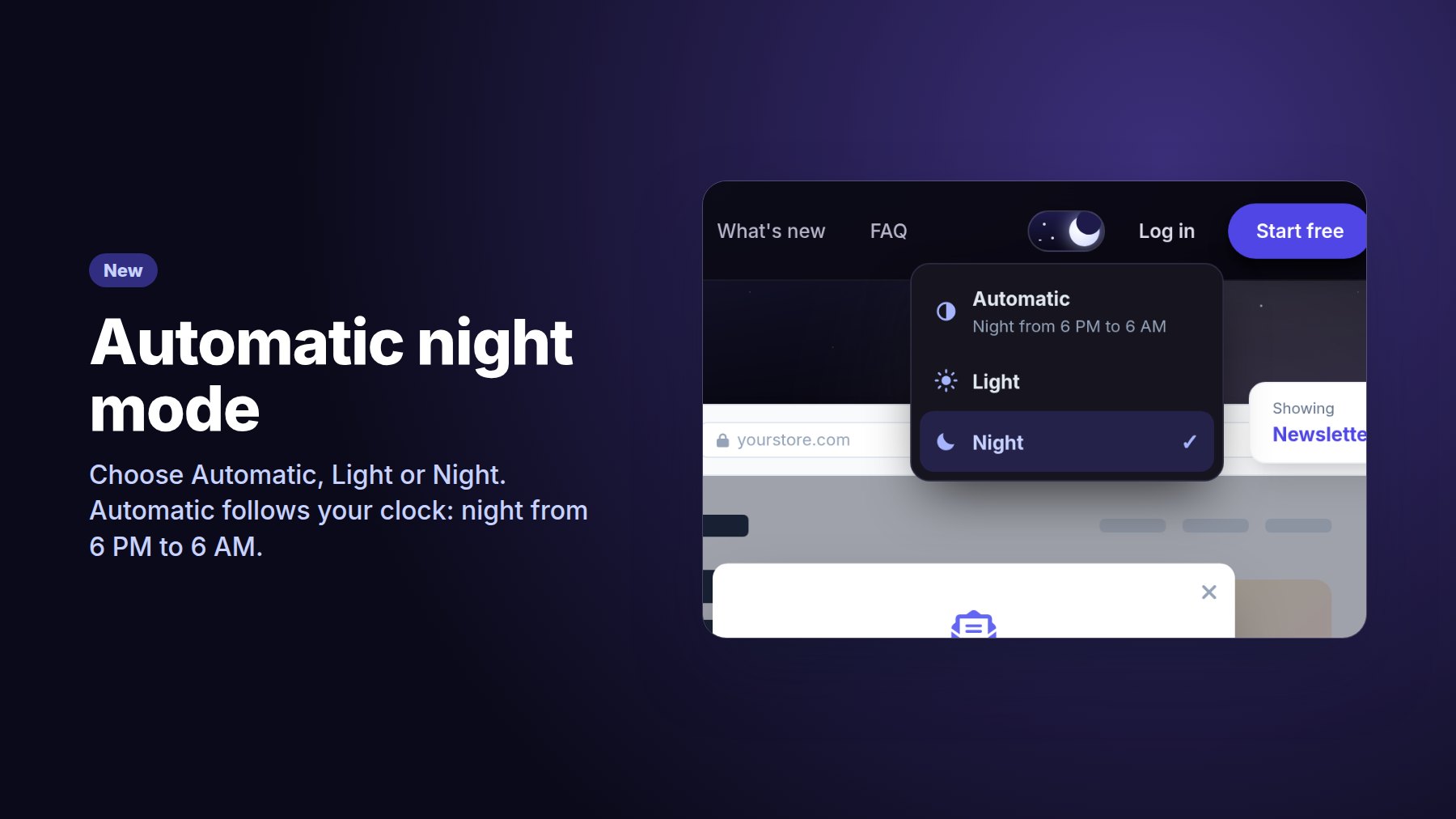
- NewAutomatic night mode
Tap the sun/moon switch to choose Automatic, Light or Night. Automatic turns night mode on from 6 PM to 6 AM on your own clock, and your pick is remembered.
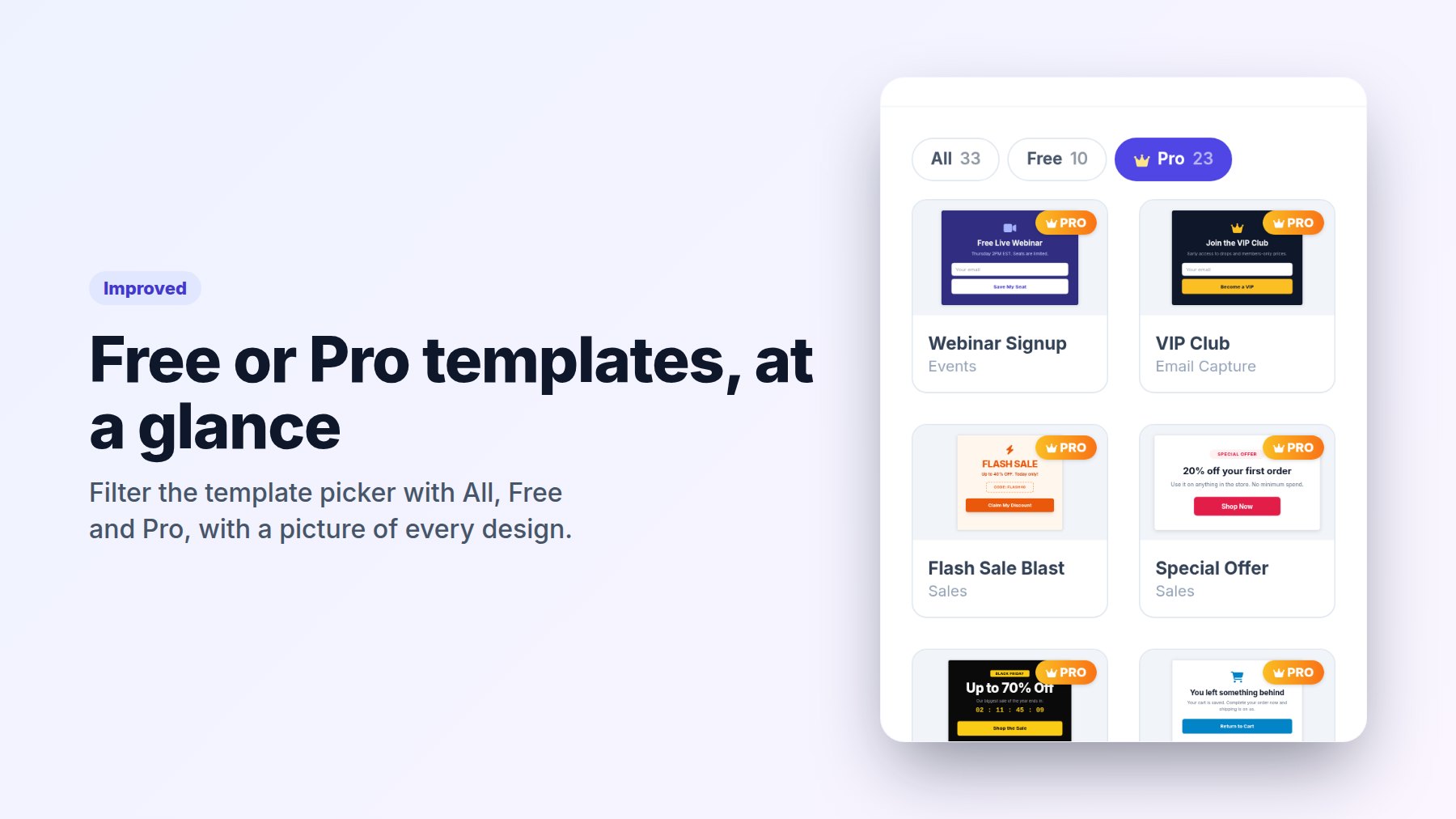
- ImprovedFilter templates by Free or Pro
The template picker and the editor's Add panel have All, Free and Pro buttons, and every template shows a picture of how it looks, on phones too.
- FasterQuicker dashboard and Integrations
The dashboard loads your popups, websites and stats at the same time, and Integrations opens right away instead of showing "Loading…".
- New
-
October 8, 2026
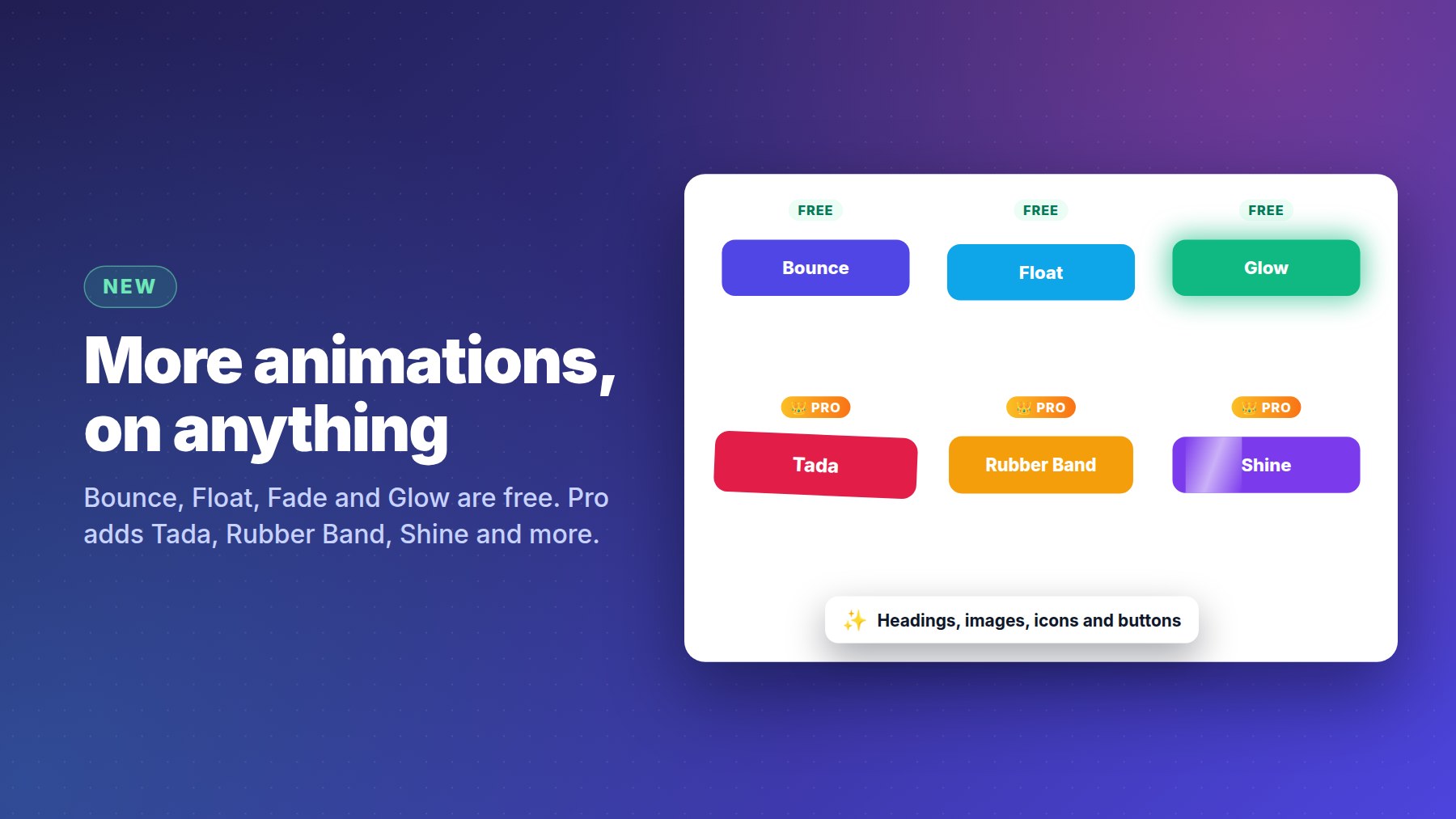
- NewMore animations, on any element
Animate headings, images, icons and buttons. Bounce, Float, Fade and Glow join Beating for free; Pro adds Wobble, Rubber Band, Tada, Jello, Heartbeat and Shine.
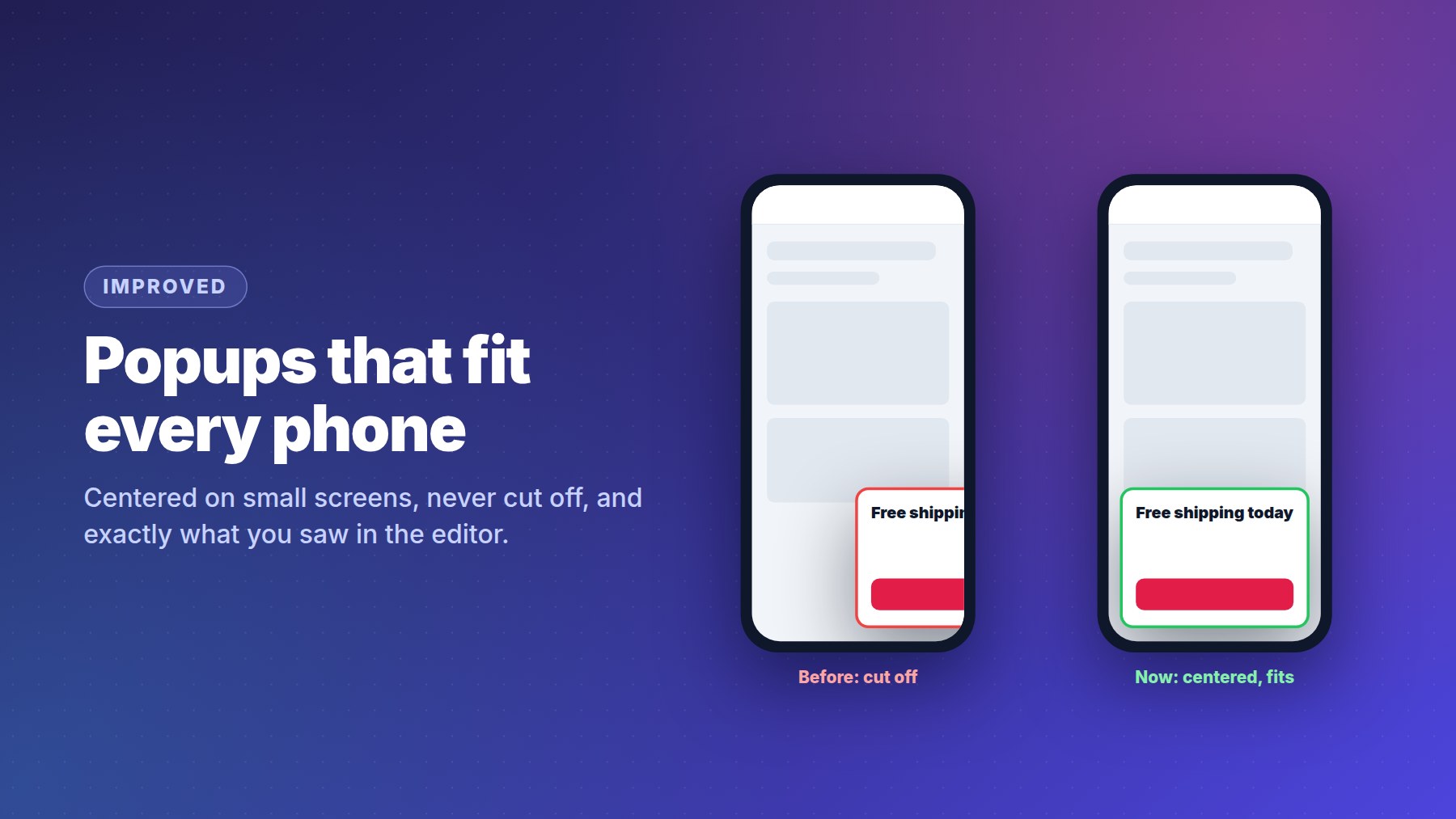
- ImprovedPopups fit phones perfectly
A corner popup now sits centered on small screens instead of running off the edge, with no empty space under it. The editor and Test Mode show exactly what visitors will see.
- ImprovedCleaner install code
The code to copy is now just the one script line, ready to paste.
- New
-
October 7, 2026
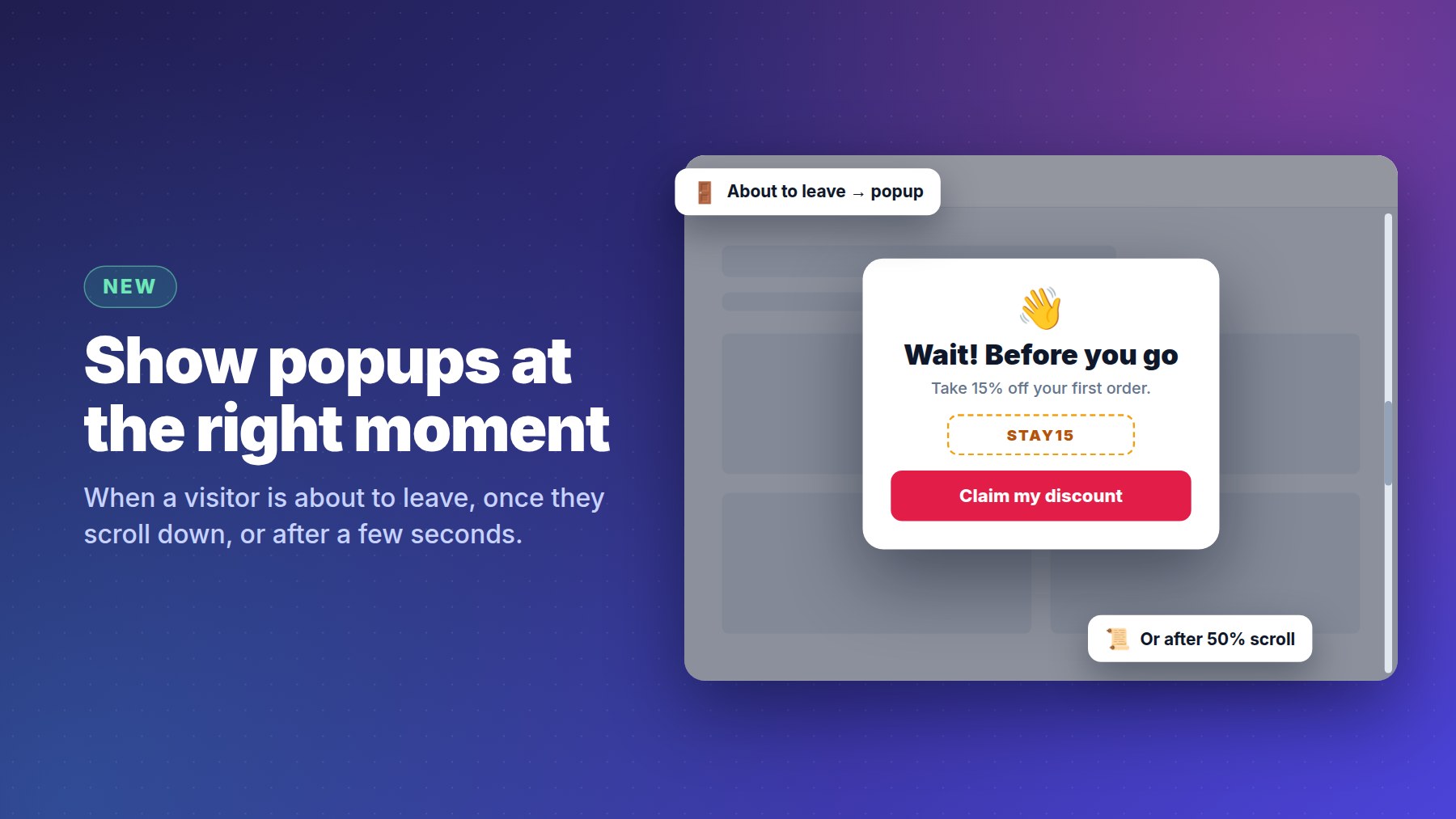
- NewShow a popup as visitors leave, or as they scroll
Pick when a popup appears: after a few seconds, when someone is about to leave the page (exit intent), or once they scroll part of the way down. On phones, exit intent works too.
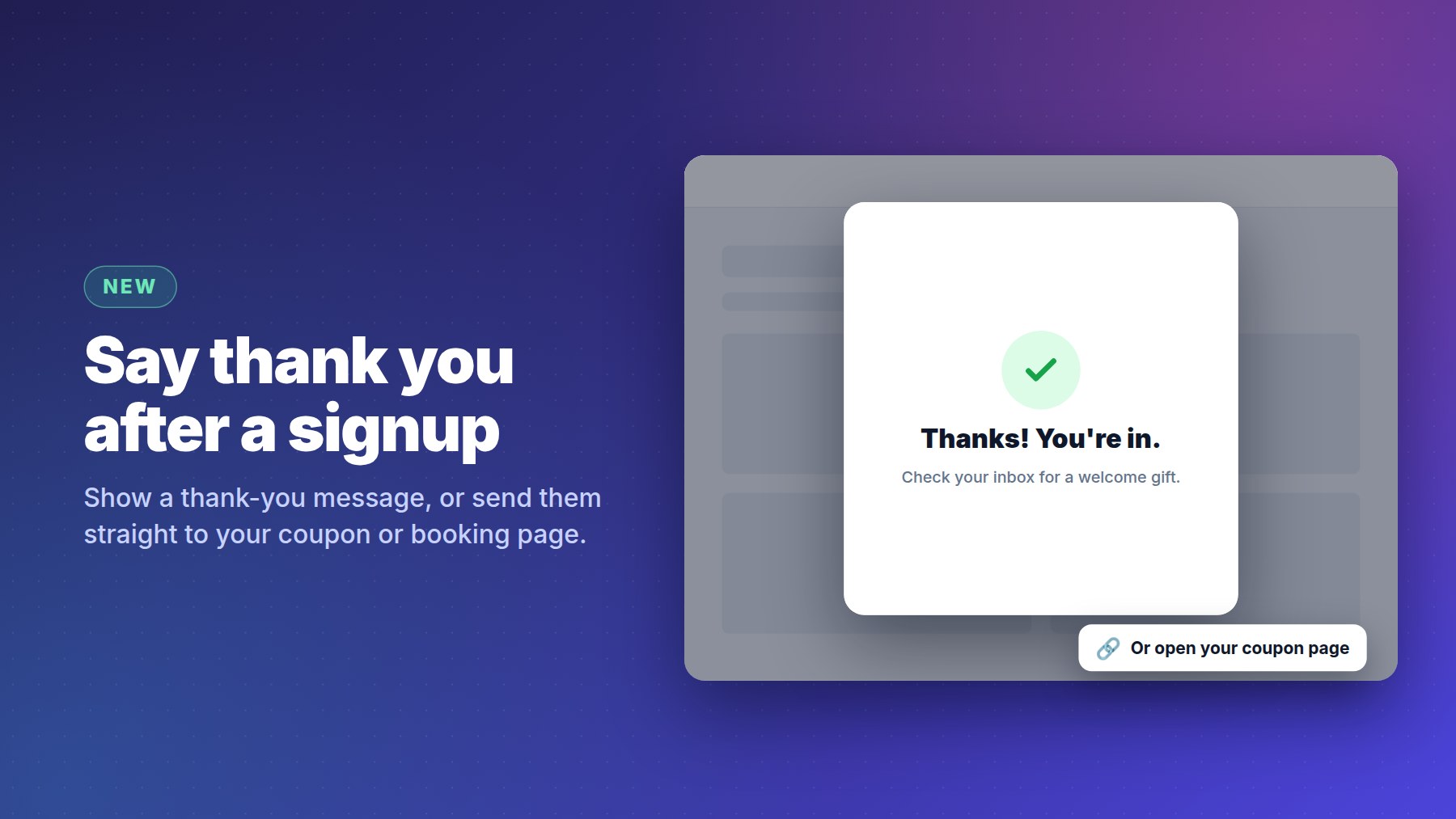
- NewA thank-you message after a signup
When a visitor fills in your popup, show them a thank-you message, or send them straight to a page of yours, like a coupon or a booking page.
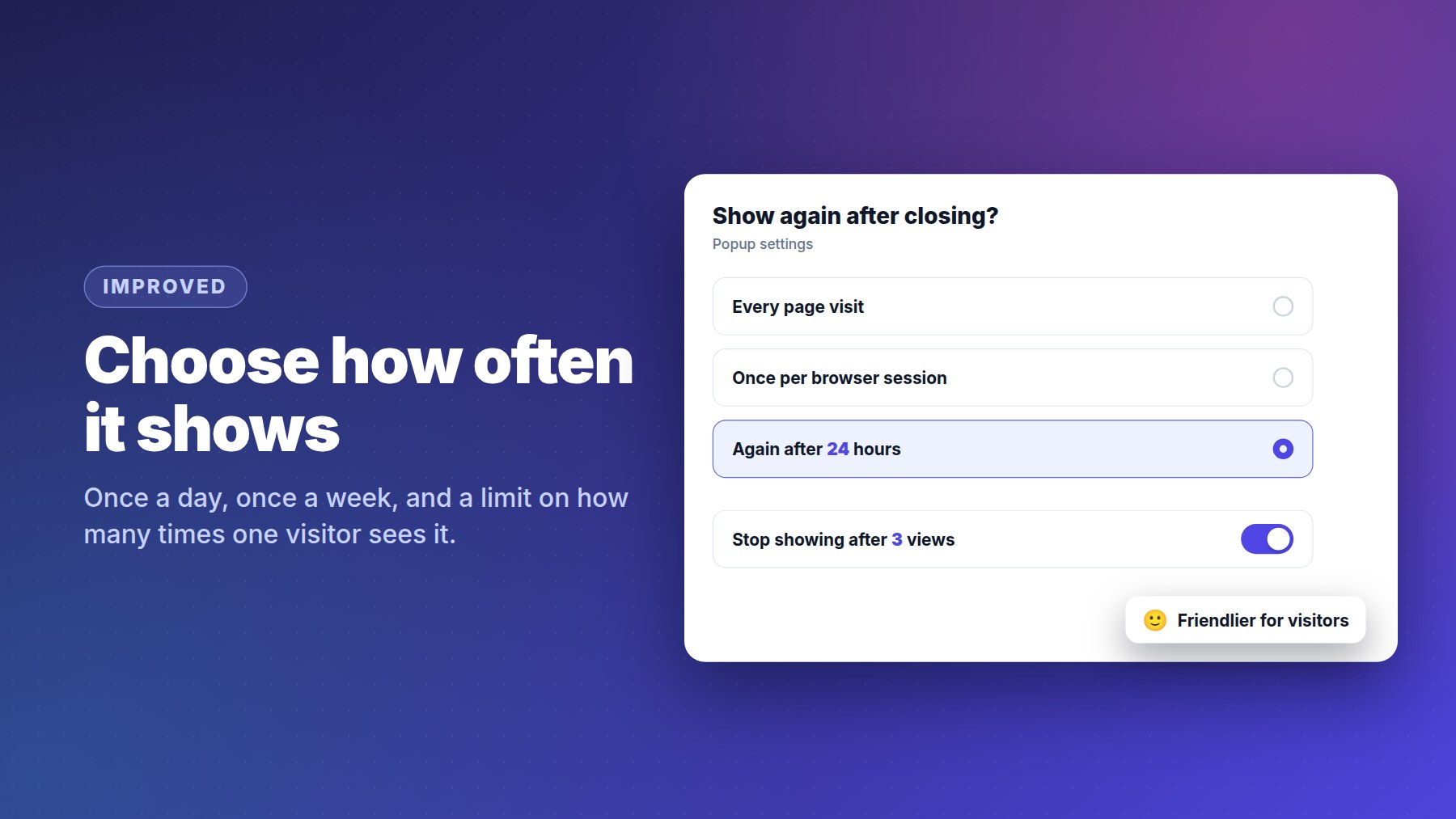
- ImprovedChoose how often a popup shows
Show it again after a number of hours (once a day, once a week), and set the most times one visitor will ever see it.
- ImprovedSmarter page targeting
Use * anywhere in "Show on", target ad visitors with links like
/*?utm_source=facebook*, or use full links. Capital letters and trailing slashes no longer matter. - ImprovedEasier on your phone
Bigger buttons, a tidier dashboard, no more zooming in when you tap a field, and the message box stays above the keyboard, even for long messages.
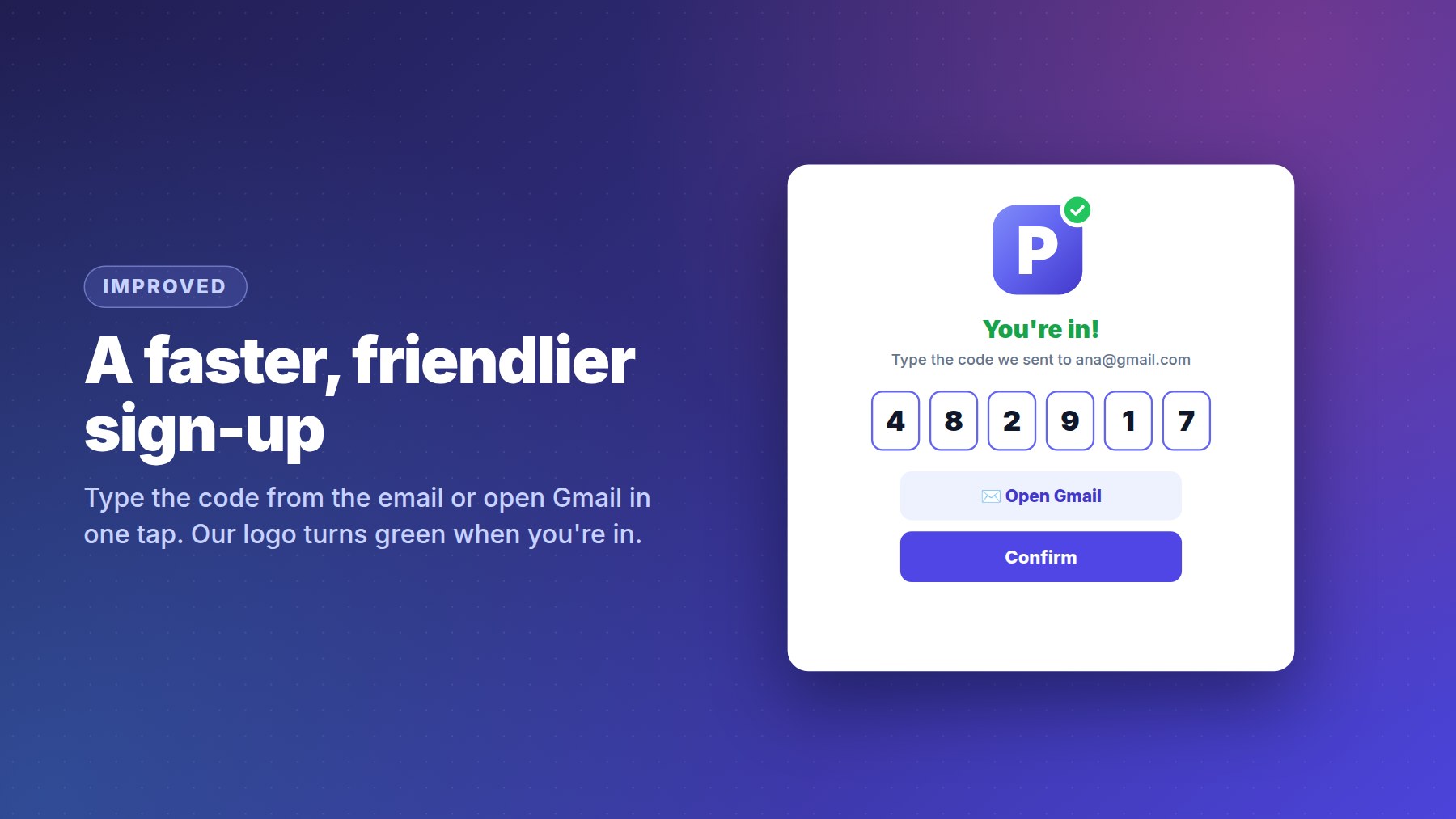
- ImprovedA friendlier sign-in
Signing in now plays on our logo: its dot turns green the moment you are in.
- New
-
October 1, 2026
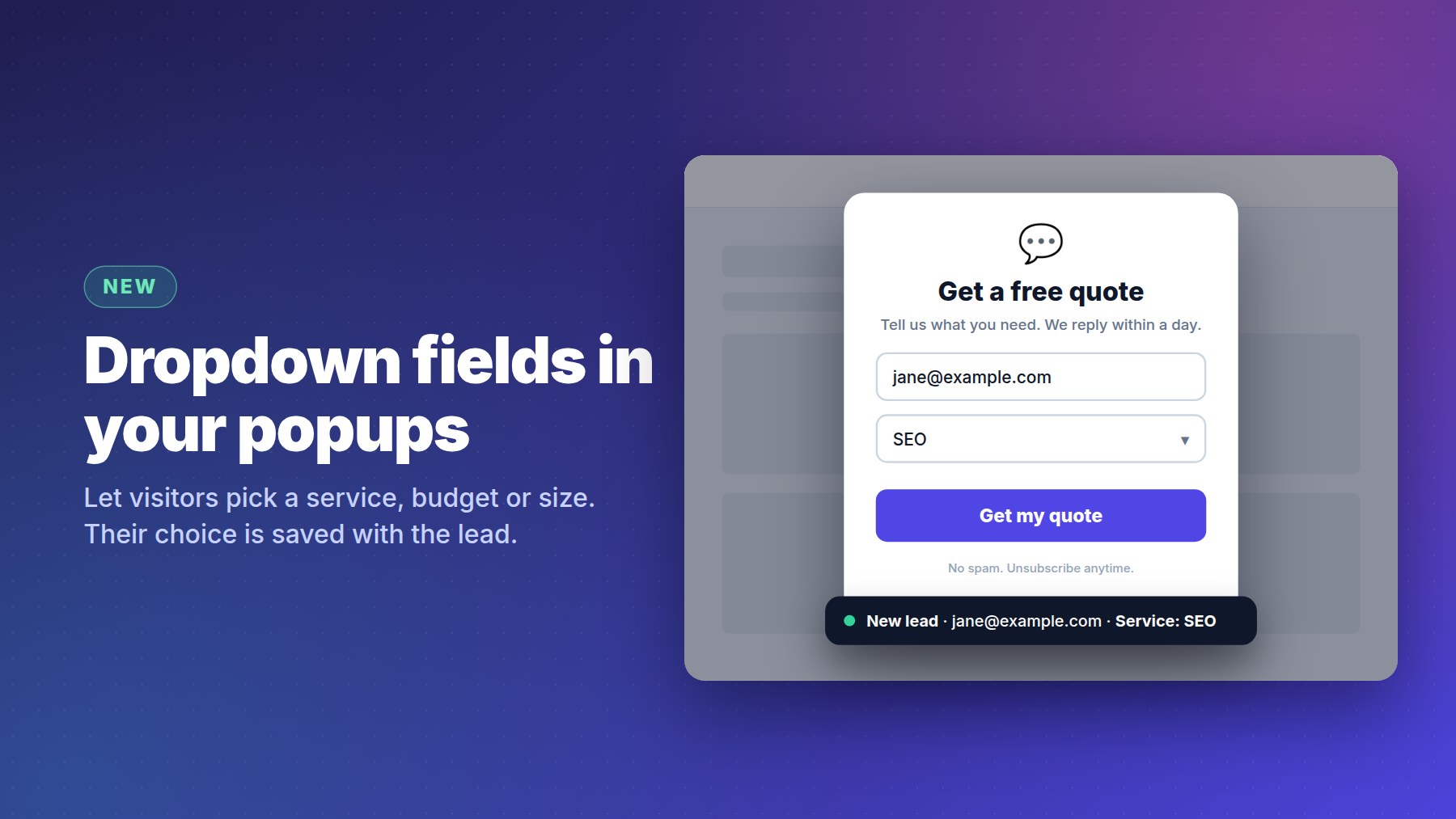
- NewDropdown fields in popups
Add a dropdown to any popup: a service, a budget, a size. You write the options, and the visitor's choice is saved with the lead under a name you pick.
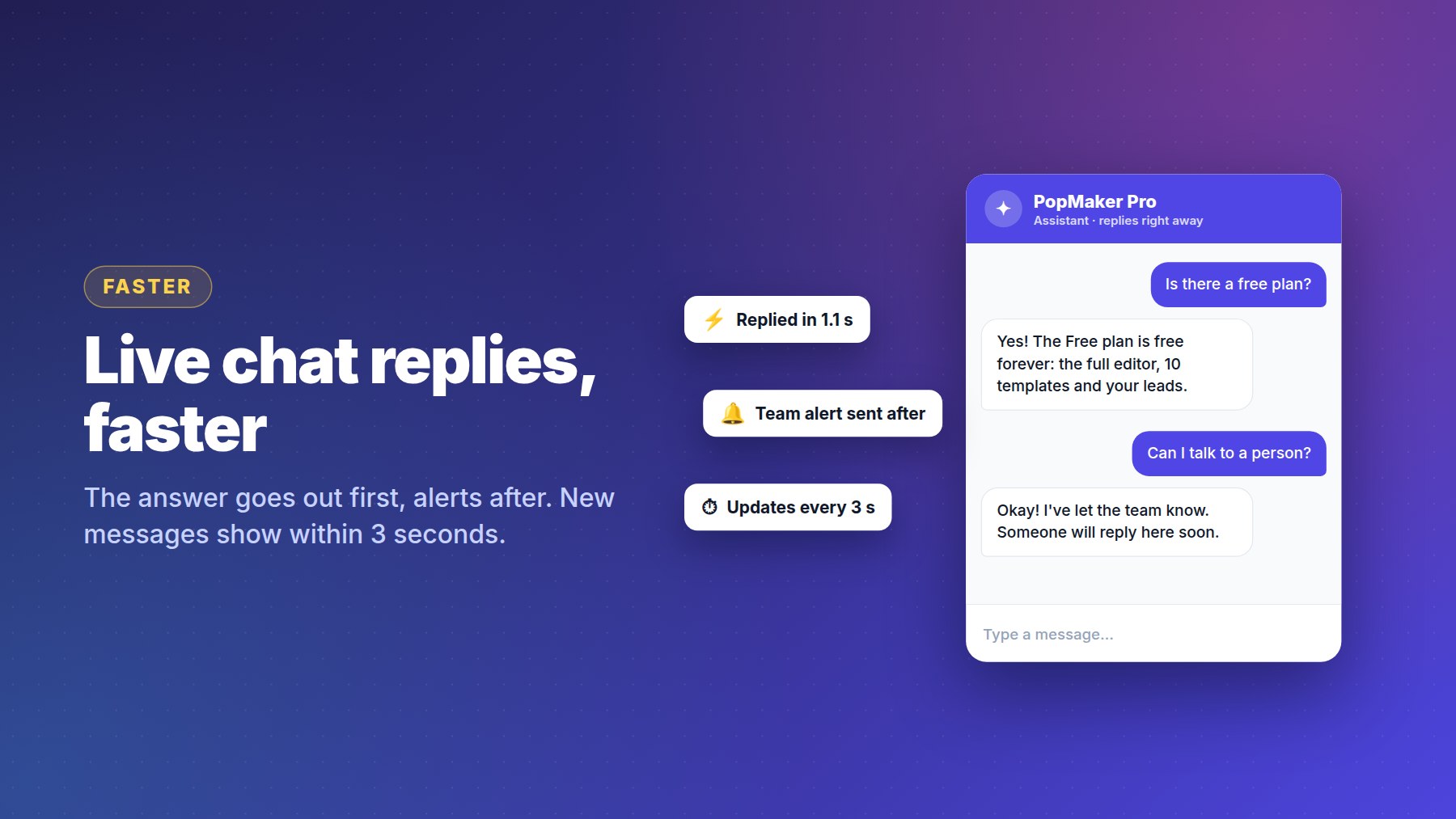
- FasterLive chat replies
Visitors get their answer faster, and new messages show up within 3 seconds on both sides.
- ImprovedEditable placeholder text
Change the hint inside an input field, like "Your work email". Email and phone fields are recognized from the wording.
- New
-
September 30, 2026
- ImprovedChatbots answer from your Q&A first
Even in AI mode, a question your saved answers already cover gets your exact wording. You can now save up to 100 questions & answers.
- NewBeta Tester Program
With our partner MJL Services: 20 businesses get free Pro access, 1-on-1 setup help and a say in what we build next. Watch the video
- Improved
-
September 28, 2026
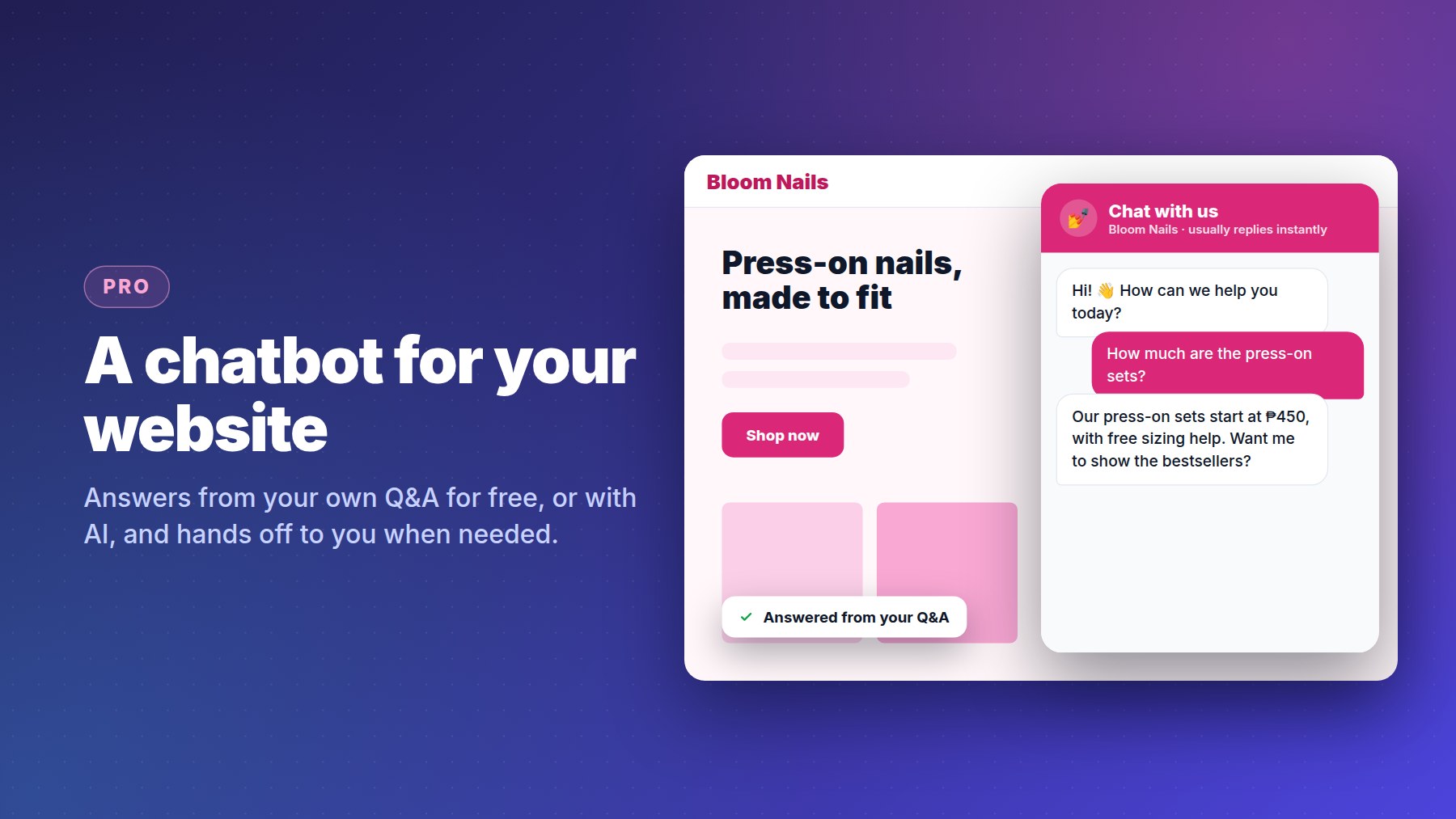
- NewA chatbot for your website
Pro and white-label accounts can put a chat bubble on their own websites. It answers from your Q&A for free, or with AI, and hands the chat to you when someone wants a person. Reply in the app, from a private link, or straight from the email.
- ImprovedSmarter answers, never silent
The chatbot finds the right answer even when the visitor uses different words, and tells visitors when the team is busy instead of going quiet.
- New
-
September 27, 2026
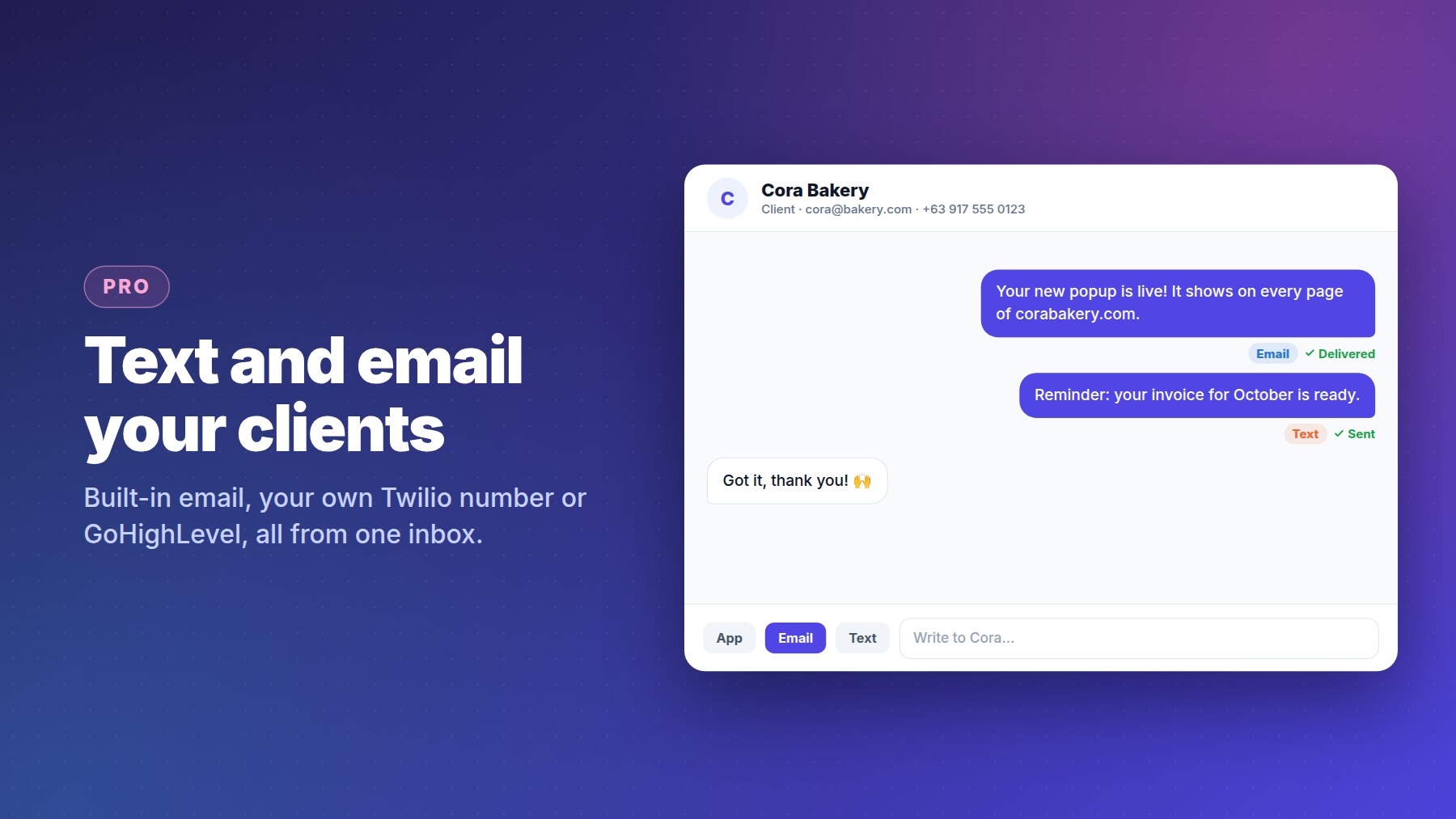
- NewText and email your clients
Message clients by email or text from one inbox: with the built-in email, your own Twilio number, or GoHighLevel.
- New
-
September 25, 2026
- NewAI assistant for client chats
Answers your clients' questions in the app's chat and brings in a person when needed.
- NewFree auto-replies from your own Q&A
Write your common questions and answers once; the chat answers with them, no AI needed.
- NewIntegrations (Pro)
Send leads and clients to GoHighLevel as tagged contacts, or to Zapier, Make, n8n and any webhook.
- NewWebsites overview and client reports
Stats per website for today, 7 or 30 days or all time, your leads in one place, and a private read-only report link to share with clients.
- New
-
September 24, 2026
- NewEdit popups on your phone
The full editor works on phones, with a bottom menu for elements, settings and layers.
- NewInstall it as an app
Add PopMaker Pro to your phone's home screen. No app store needed. Watch the video
- New30+ templates and a template gallery
Over 30 ready-made templates to browse and start from, each one ready to use out of the box.
- NewWhite-label for agencies
Offer the app under your own name, logo and colors, manage your clients, and take payments through your own link.
- NewFree plan
10 essential templates and the full editor, free forever. Pro unlocks everything else.
- ImprovedSocial icons with their own links
Each icon in the Social element links to its own profile.
- New
-
September 23, 2026
- NewAll your websites in one account
Add every site you run, each with its own install code. What you design is exactly what shows on the site.
- New
-
September 20, 2026
- LaunchPopMaker Pro is born
The first version: a drag & drop popup editor, ready-made templates, one line of install code, and leads and stats in a dashboard.
- Launch